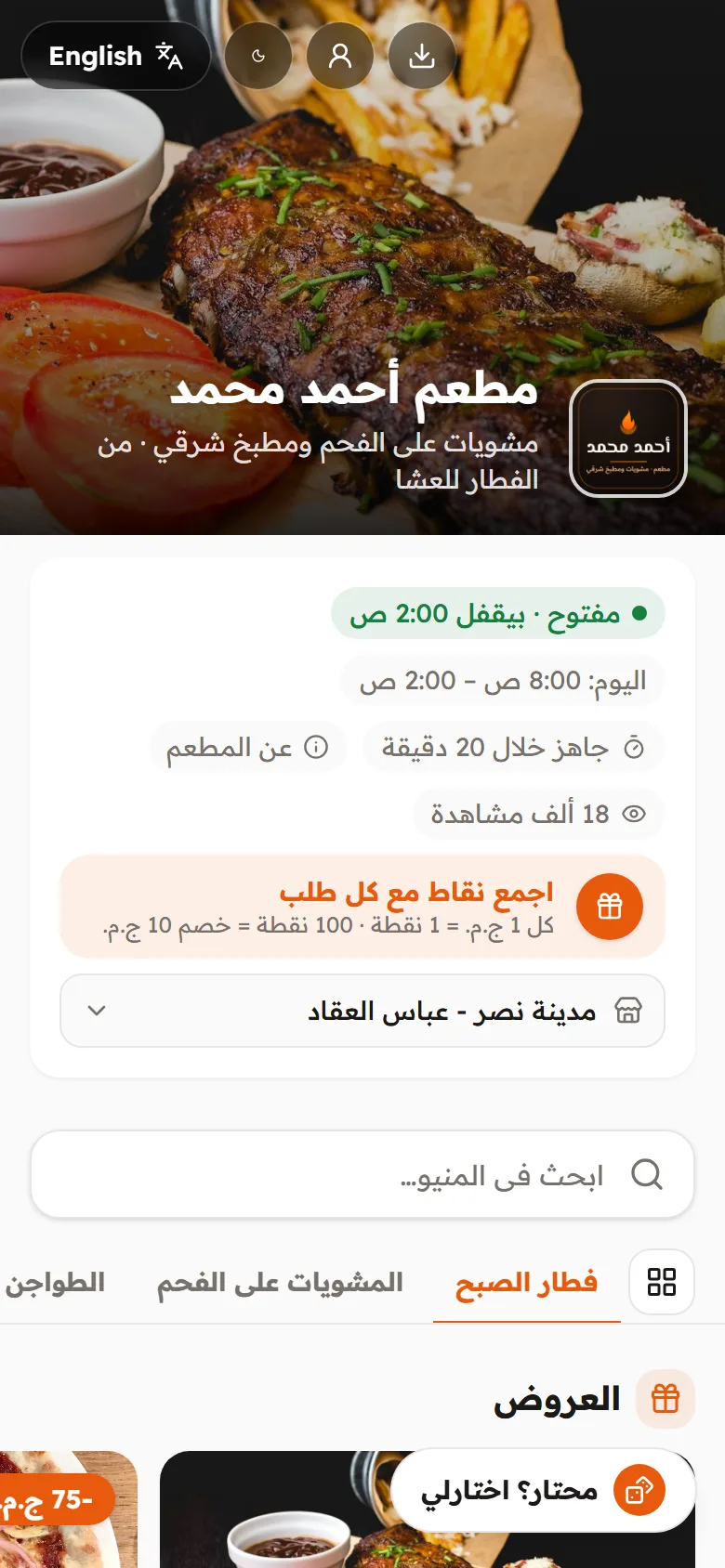
From the moment a guest opens the menu until the driver hands over the order and settles up: every step recorded and clear, with no commission on any order.
Photos, prices, sizes and extras with your logo and colours; price changes show instantly.
Delivery by zone and fee
Each zone with its fee, minimum and time; drivers take orders from their phones.
Ordering from the table
A QR code per table, orders reach the kitchen with the table name, and guests can call the waiter or ask for the bill.
Kitchen screen and printing
Tickets in order with each order's time and notes, and automatic printing on the kitchen printer.
Cashier for dine-in and takeaway
Fast selling on any device, together with online orders.
Reports and item profitability
Sales, expenses and net profit, and which item really makes you money.
Real-life examples
Example 1
Grill house at peak time
Friday night: 40 orders in an hour. Each one rings on the dashboard until someone accepts it, the kitchen sees tickets in order and late ones turn red. Drivers pick up from their phones and at closing you settle each driver's cash.
Example 2
A family at table 7
The family orders from the QR code in rounds: food, then dessert. All orders add up to one bill the waiter prints and closes with one tap when they pay.
Example 3
An item losing money unnoticed
You enter each item's cost, and the report shows a popular dish with a thin margin and suggests a measured price change.
The tools you will use:MenuOrdersKitchenCashierTablesDriversReportsLoyalty
Try a demo store
Open a demo store with everything working and order from it as a customer.
Yes. Each table has its own QR code; guests order from it and the order reaches the kitchen with the table name. From the same page they can call the waiter or ask for the bill.
How do I close a table's bill?
All of a table's orders add up to one bill that you print and close with one tap when the guest pays.
Will the kitchen see customer notes?
Yes, notes show clearly on the kitchen ticket and screen (like "no onions"), along with the extras chosen.
Can I see which items are most profitable?
Yes. Enter each item's cost and the system ranks your items by profit and popularity and suggests measured price changes.
Does it work for cloud kitchens?
Yes, delivery and pickup only with no dining room, with delivery zones, drivers and reports.